Production Release
2026.0.5
The Production software release gives you compatibility with existing products and features. If you have one of these new products, check out the Limited Release instead.
See More Below
New to Production Release
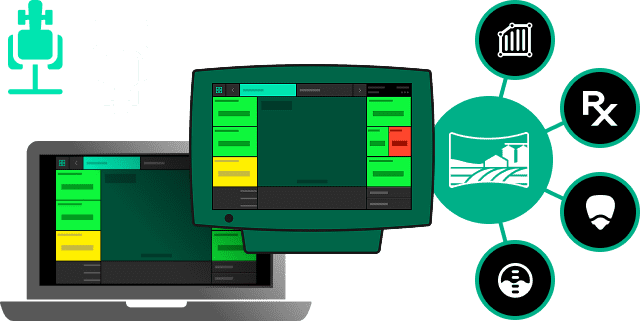
Panorama
Viewing and transferring data out of the 20|20 is simple with Panorama. Have two implements in the same field? Using Passmaster all of the swath coverage and maps get shared across implements working in the same field. Import your Client, Farm and Field account information along with boundaries and prescriptions from Panorama Planning into your 20|20. Operation Owners and Managers can live view running 20|20 systems in Panorama.
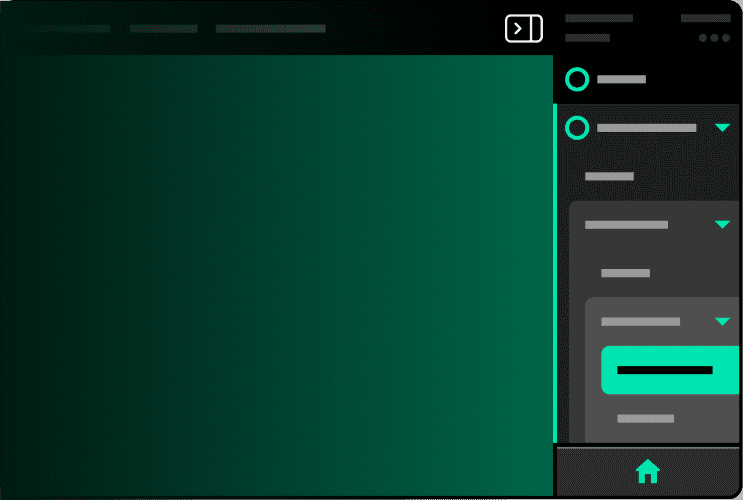
Update to Navigation
The new navigation menu allows you to see exactly where you are in the 20|20 and quickly navigate to where you want to go. Navigation getting in the way? Tap the collapse menu icon near the status area to make almost any screen full width. When you need the menu back, simply tap the icon again and the menu will reappear.
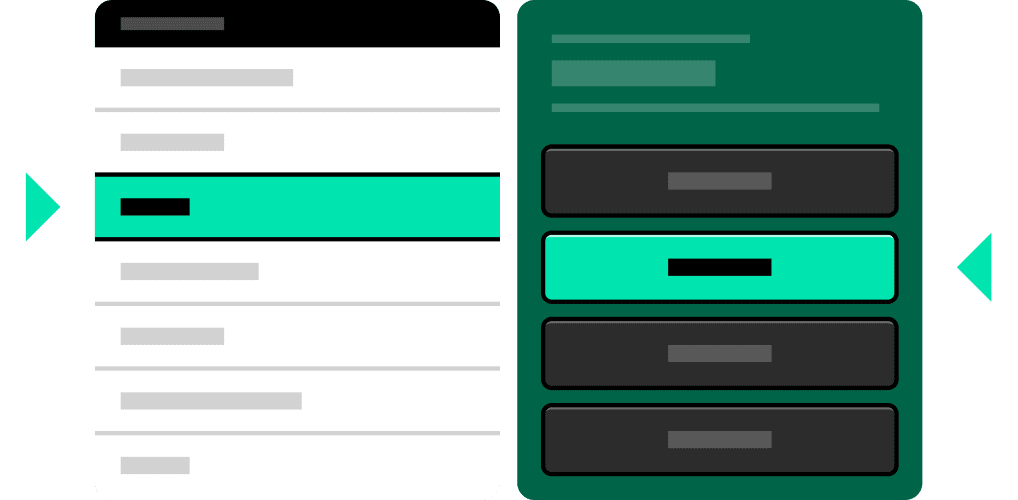
Properties List
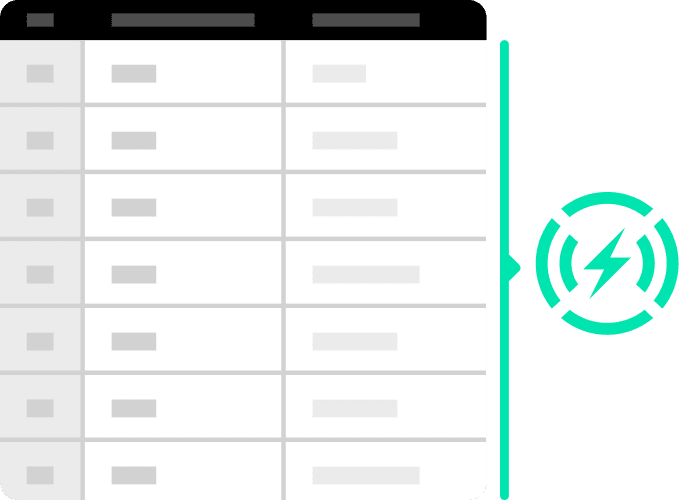
Now you can see all of your settings in a scrollable list and easily edit them in the side panel.
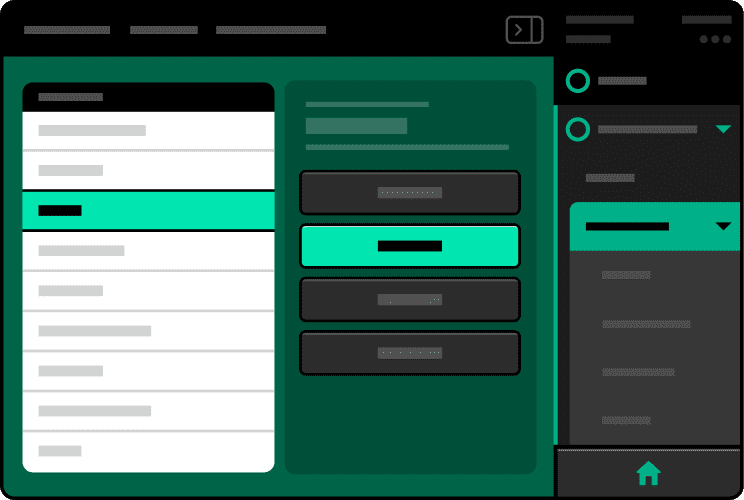
Surfaced Settings
Find the settings you care about quicker.
Detecting Modules
Tired of manually adding modules? Now detected modules and their predicted locations are filled in for you in a streamlined setup process.
Other Features
- New meatball icon allows you to open up some quick actions such as editing, adding, and deleting
- Find what you’re looking for quicker by utilizing the new filtering options
- Changing your sensor control settings is now easier to do with an updated, consistent layout
- Easily activate a new field and edit all of your field details, prescriptions, and system settings in one place
- Easily find out where your diagnostic problems are happening with the new surfaced information on the diagnose dashboard
- See an in-depth view of your of the data in your status bar and navigate easily to where you need to go.